
Guide · 5 min read
How to print your comic book (home, copy shop or photobook)
Paper sizes, binding options and costs for printing a generated comic: at home tonight, at a copy shop tomorrow, or as a hardcover photobook.
By the Comikaze team · Updated
Short answer
Download every page at full resolution and print on A4, US Letter or A5. At home, use 120–160 gsm matte paper and staple 6–12 pages into a booklet; a copy shop can saddle-stitch it for a few dollars; for a premium gift, upload the pages to a photobook service with the cover as page one. A framed cover on its own also makes a strong gift.
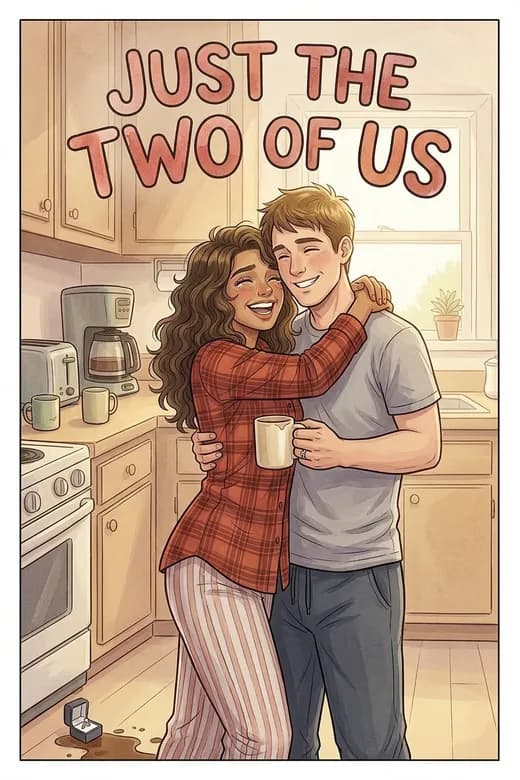
Start from full-resolution pages
Download every page at full resolution, cover first. Generated pages are portrait and sit naturally on A4 and US Letter with small margins, and on A5 for a booklet feel. Do not print from screenshots; the compression shows.
Tonight: home printing
- Paper: 120 to 160 gsm matte feels like a real indie comic.
- Print single-sided for gifting pages flat, double-sided for a booklet.
- A long-arm stapler and a fold turns 6 to 12 pages into a zine.
This week: copy shop or photobook
A copy shop will print and saddle-stitch a comic for a few dollars, and the staff have done zines before. For a premium gift, drop the pages into any photobook service as full-page photos, cover as page one: hardcover, lay-flat options, done in days.
The frame trick
The cover alone, printed on matte paper in a simple frame, is one of the best-received gifts you can make from a comic. Print the whole book and frame the cover; the recipient gets both.
Check the spelling of names on the cover before printing. Redraw the cover with a note if anything is off; it regenerates without touching the pages.